How it works

Patients talk with Sunny for about 3 minutes. The booking arrives by WhatsApp, or by SMS in the US and Australia.

Start in three steps

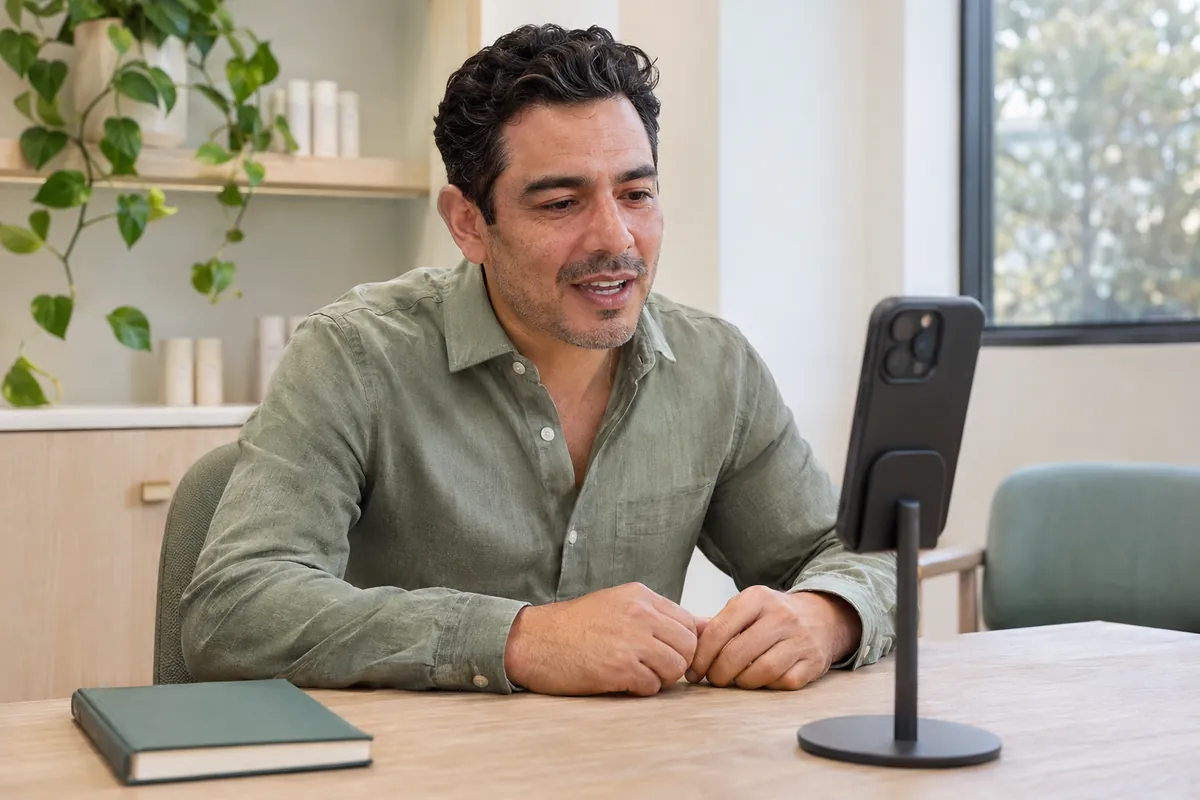
  1. A clinic owner trying a video conversation on his phone at his office table

    Get a demo

    We set up a demo with your clinic's menu, then send you the link to try it as a patient.

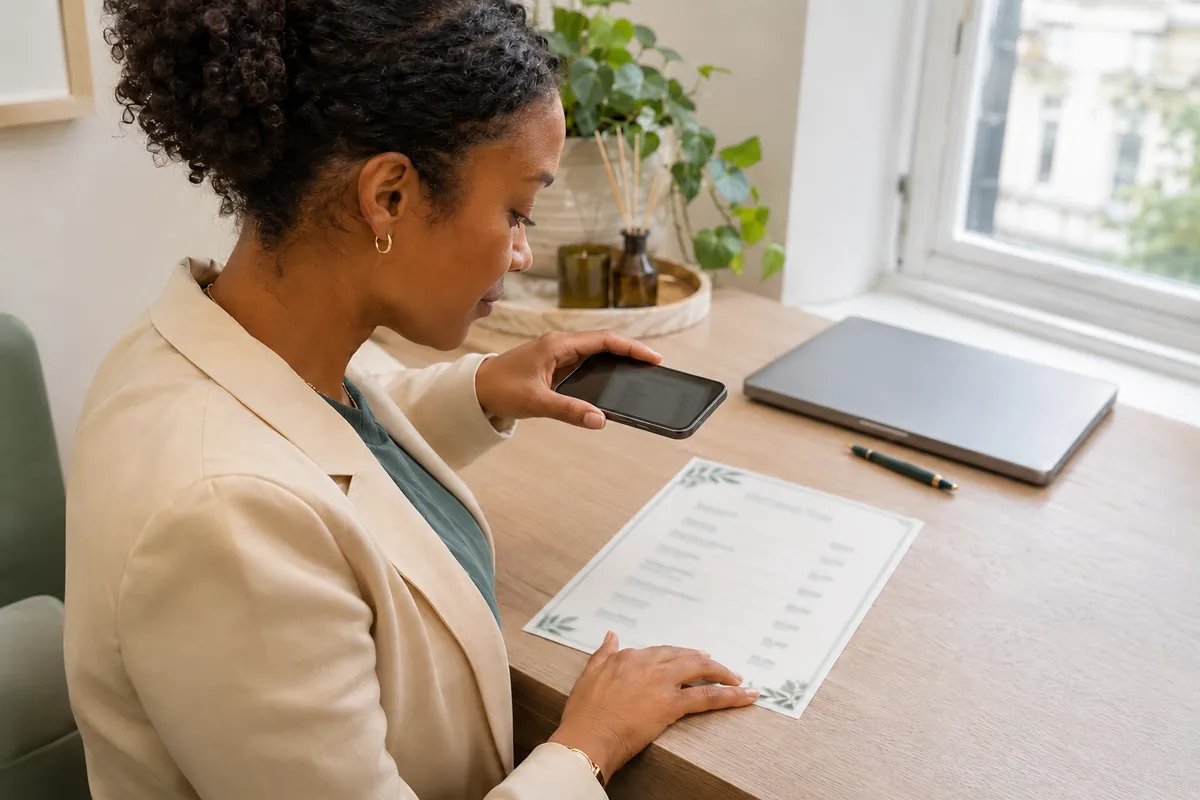
  2. A clinic owner photographing a printed treatment price list on her desk with her phone

    Set up your clinic

    A photo of your price list becomes your menu. Set your logo, booking number and branches, yourself or with our team.

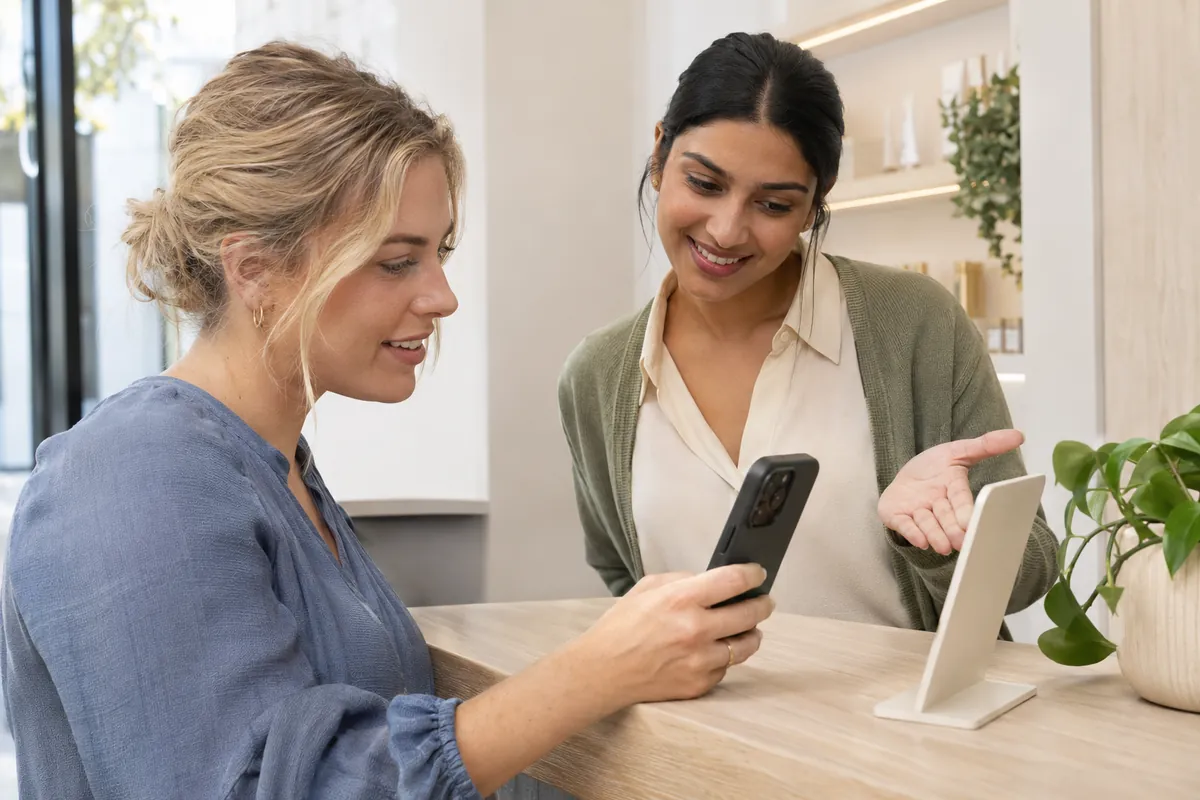
  3. A patient aiming her phone at an information stand with help from a clinic receptionist

    Share the link

    In your Instagram bio, on Google Maps and as a QR code at reception. Bookings arrive by WhatsApp or SMS.

Illustrative photos generated with AI; these are not patients or customer clinics.

For patients

On a phone or laptop, from your clinic's link. Patients can talk or simply tap.

  1. 1Start

    Your clinic's page. The patient agrees to an AI notice first.

  2. 2Talk

    Concerns, skin type, sensitivity, past treatments and budget.

  3. 3Three photos

    Front, left and right, with light and focus checks.

  4. 4The result

    Findings on the patient's photo, with treatments from your menu.

  5. 5Price and booking

    A price range, then a branch and time. When Sunny is less sure, the range is wider.

For your team

Bookings arrive as ordinary WhatsApp or SMS messages. Your admin replies as usual.

  • Name, concerns, treatment, branch, time and an SNY code in one message
  • A dashboard with every lead: answers, findings, photos and the estimate
  • Each lead's status, from new to treated

NewContactedBookedVisitedTreated

  • SNY code
  • Each lead's status

Vouchers

For patients who didn't book.

  • A few days after the consultation (you choose how many), the voucher is ready to send
  • Your admin sends it on WhatsApp in one tap
  • The patient can use it, or pass it to one friend
Growth plan

Your look

Change all of it in the dashboard, with a preview.

  • Your logo and colours on the patient's page
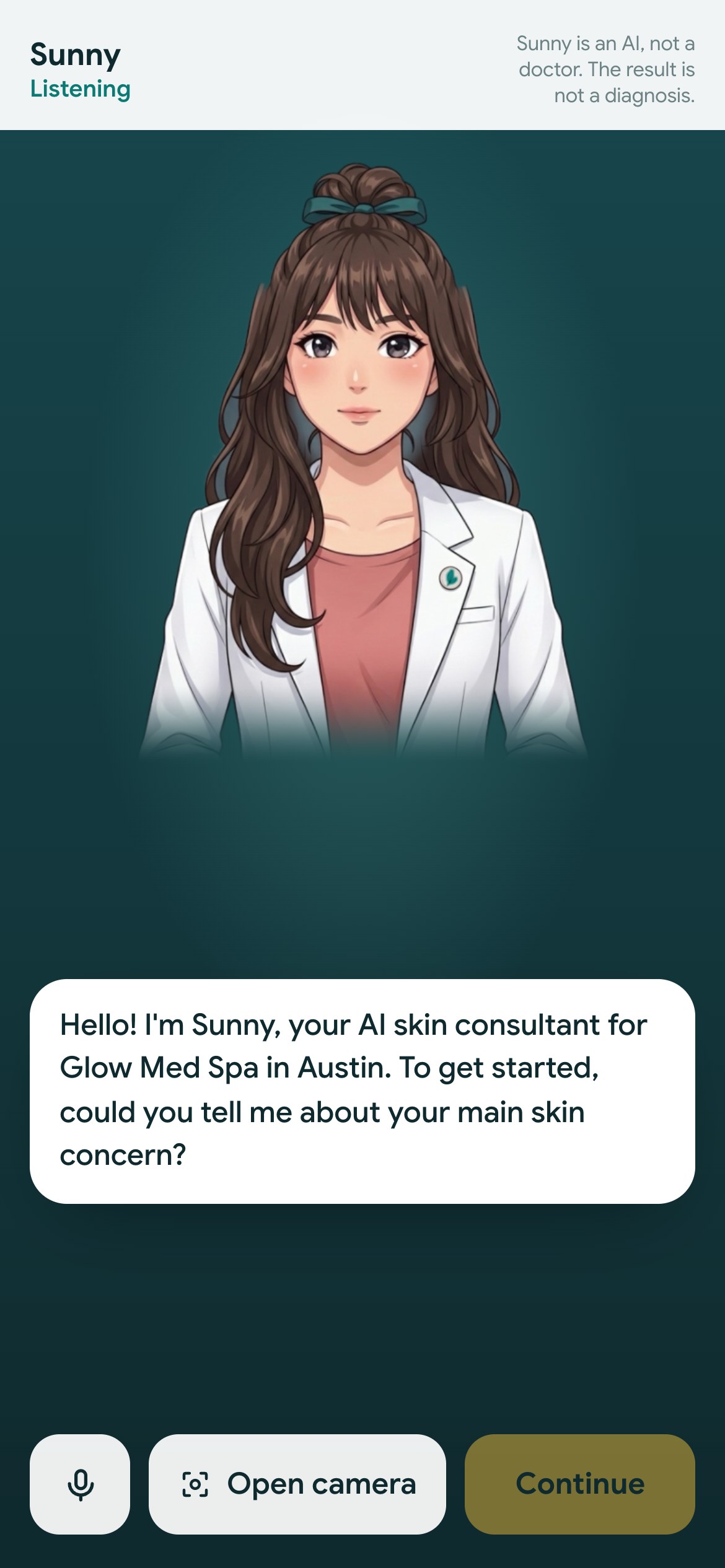
  • The assistant's name, voice and greeting
  • Three illustration styles, a hijab or six hairstyles
  • Manhwa
  • Anime
  • 3D

Screens from the working demo, for a sample US med spa (“Glow Med Spa”) with a sample patient.

Try Sunny as a patient

We set up a demo with your clinic's menu, then send you the link. From when we send it, you have 48 hours to try it on your phone.